

For the official product page and latest release announcements, visit the Qualcomm Linux product page.
What Does Qualcomm Linux Include?
Qualcomm Linux is not just a kernel — it is a complete, vertically integrated software platform:Bootloader & UEFI
A validated boot chain including ROM, UEFI firmware, and device tree configurations tuned for Qualcomm SoCs.
Linux Kernel
A Qualcomm-maintained kernel with upstream contributions, hardware enablement patches, and driver support for Qualcomm peripherals.
Yocto-Based Userspace
A Yocto Project / OpenEmbedded-based build system with Qualcomm-specific layers, recipes, and machine configurations.
Hardware Acceleration
Pre-integrated support for Qualcomm AI Engine, GPU, DSP, and multimedia hardware acceleration frameworks.
Key Characteristics
- Validated end-to-end — Every component is tested together on Qualcomm reference hardware (EVKs), reducing integration risk.
- Yocto-based — Built on the industry-standard Yocto Project, giving developers access to thousands of open-source recipes and a familiar build system.
- Production-oriented — Designed with a path from prototype to production, including support for custom BSPs and OEM layers.
- Qualcomm hardware-aware — Includes drivers, firmware, and configuration for Qualcomm-specific IP blocks that are not available in generic distributions.
Get Started with your device
On Dragonwing Docs
IQ-9075 EVKHardware overview including SoC features, peripherals, and board layout.


IQ-8275 EVKHardware overview including SoC features, peripherals, and board layout.


On Qualcomm Docs
These guides are hosted on docs.qualcomm.com and open in a new tab.
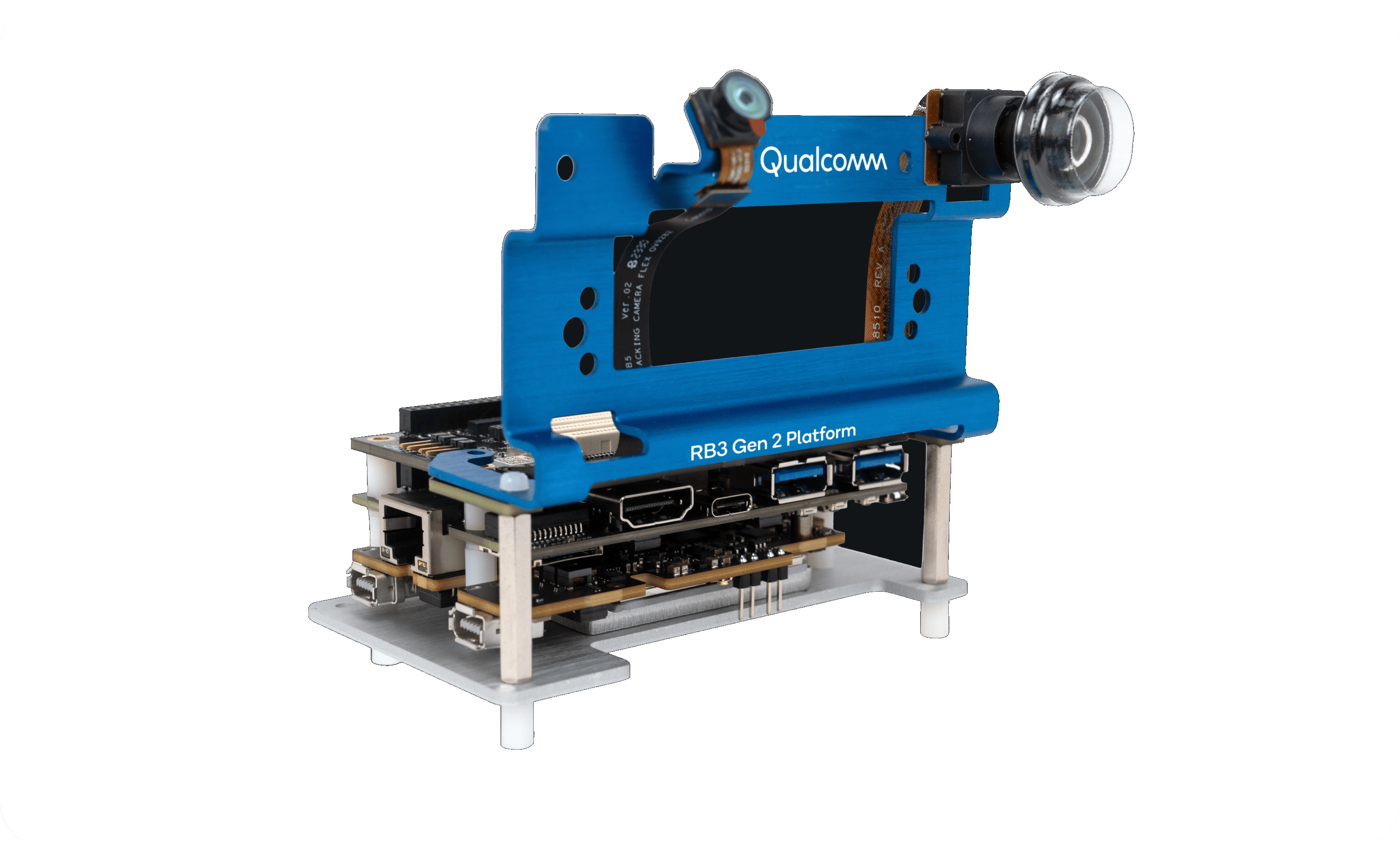 RB3 Gen 2 Dev KitQuickstarts and user guides for Qualcomm Linux, Ubuntu and Windows.DocumentationOpen RB3 Gen 2 Lite Dev KitQuickstarts and user guides for Qualcomm Linux, Ubuntu and Windows.DocumentationOpen

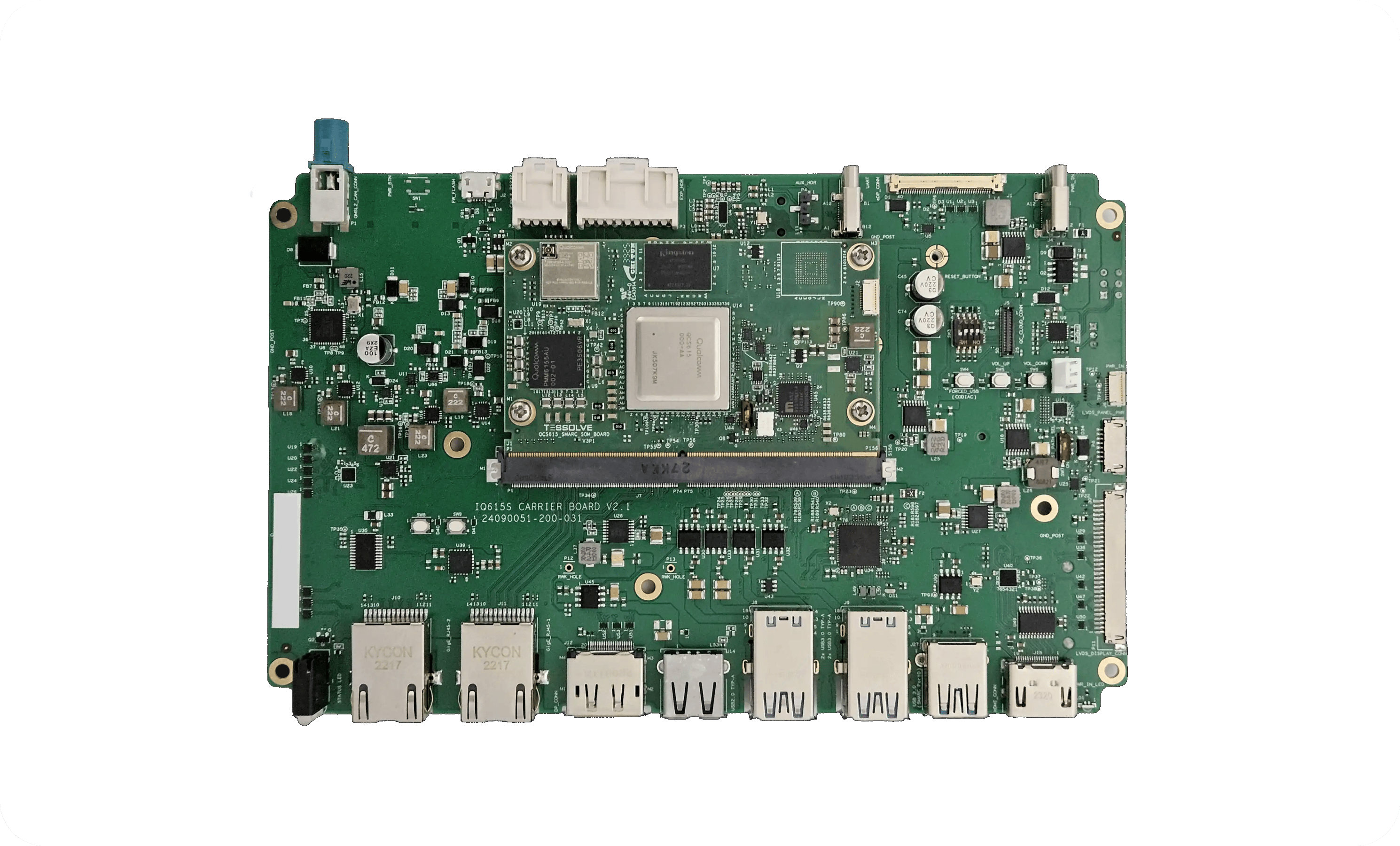 IQ-615 EVKGet familiar with the SMARC board, run sample apps and start developing.Quick startOpen
 IQ-X7181 EVKHardware overview, device setup, sample apps, software updates and FAQs.User guideOpen IQ-X5121 EVKLinux guide for the IQ-X5xxx series evaluation kit.PDFOpen
Ready to get started? Head to the Quick Start with Prebuilt Images section to flash your first image in minutes.